Reader-supported: As an Amazon Associate I earn from qualifying purchases, and some links go to eBay through its partner program. The picks are mine, affiliates don't pay for placement and don't shape what I recommend.
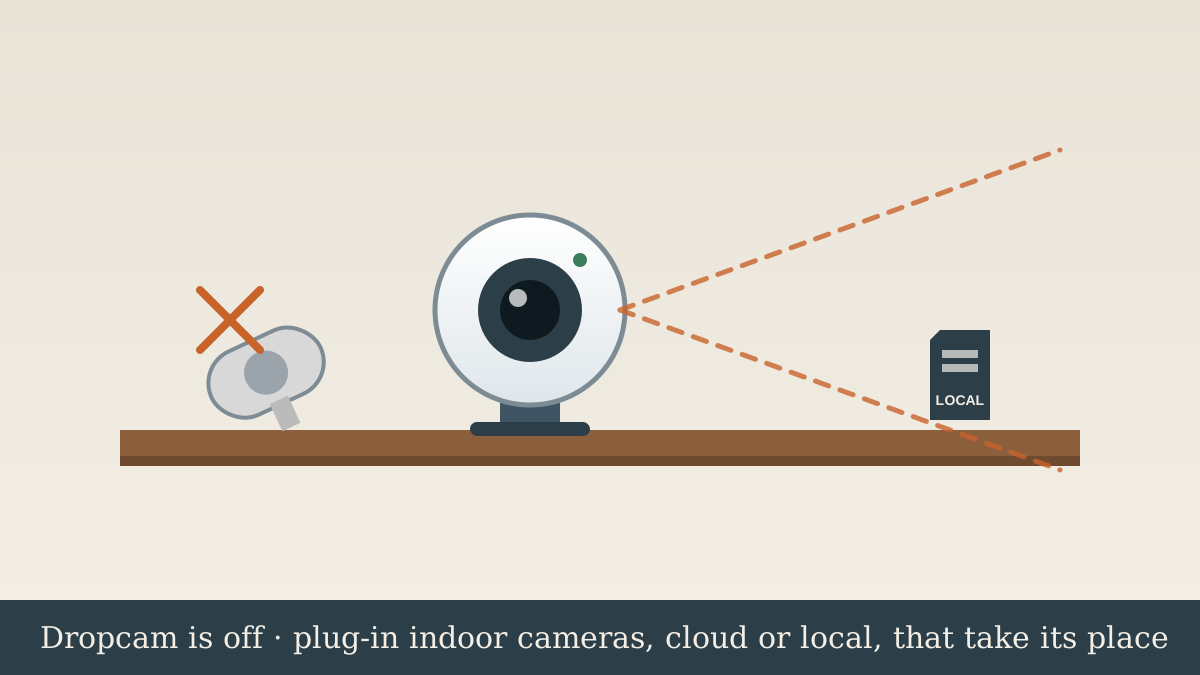
- Google Home Ecosystem (Direct Successor): Nest Cam (Indoor, Wired, 2nd Gen) (~$100) — Native successor in Google Home app, HDR video, 3 hours of free event history without a subscription.
- Zero Subscription Fees / Local Storage: Eufy Indoor Cam C24 / S220 (~$40) — Sharp 2K resolution, on-device AI detection, 24/7 continuous recording to a local microSD card with zero monthly cloud fees.
- Best Budget Value: Wyze Cam v4 (~$35) — 2.5K QHD sensor, Wi-Fi 6 connectivity, color night vision, local microSD card slot.
- Apple HomeKit & Privacy: Aqara Camera Hub G2H Pro (~$55) — End-to-end encrypted HomeKit Secure Video, doubling as a Zigbee smart home hub.
What I swapped mine for
I swapped my Dropcam for the Google Nest Cam (Indoor, Wired, 2nd Gen).
The swap itself. Physically, it takes 30 seconds. Unplug the ancient micro-USB power cord, pull the Dropcam out of its heavy stamped-metal ring stand, and set the new Nest Cam in its place. The magnetic ball-and-socket base on the 2nd Gen puck allows for cleaner tilt angles, or it mounts cleanly with two small drywall screws. Scanning the QR code through the Google Home app took under 5 minutes to connect to 5GHz Wi-Fi.
What carried over. 1080p indoor video monitoring, activity zones, two-way audio talkdown, and live streaming on Nest Hub smart displays.
What changed. The original Dropcam was 720p (or early 1080p Dropcam Pro) locked into the discontinued Nest app. The 2nd Gen Nest Cam upgrades to HDR image processing with a wider 135-degree field of view. More importantly, it runs on-device machine learning: it differentiates between people, animals, and motion locally without uploading every frame to Google's servers. It also provides 3 hours of rolling event snapshots for free, so you are not forced into paying $80/year for Nest Aware just to see who entered the room.
What it cost. ~$100 street price. If you want to drop subscriptions completely, swapping to a local microSD camera like the Eufy C24/C220 costs ~$40 with zero monthly fees forever.
The short version
The Dropcam is a paperweight. Nothing revives it. If your house already runs Nest cams or a Nest Doorbell, buy the Nest Cam (indoor, wired) and it lands in the same Google Home app. If you resent paying Google a monthly fee to see your own video, buy an Eufy indoor cam and record to a card on the camera. If you want cheap and good enough, the Wyze Cam v4 costs less than a tank of gas.
What Google actually killed on April 8, 2024
| Device | Status | What to do |
|---|---|---|
| Dropcam, Dropcam Pro | Dead | No live view, no history, no app. Recycle it. |
| Nest Cam 1st gen indoor and outdoor, Nest Cam IQ | Works | Still supported. Google has been moving them into the Google Home app. |
| Nest Aware video history from the Dropcam | Gone | Google told owners to download clips before the date. After it, nothing. |
| Nest Secure | Dead, same day | Separate guide here. |
The transition offer was real but short. Nest Aware subscribers got a free Nest Cam. Non-subscribers got 50 percent off. Both had to be redeemed by May 7, 2024. If you are reading this, you missed it, and so did most people. The Dropcam had been sold since 2012, and Google bought the company in 2014. Twelve years is a long run for a cloud camera. It is also the reason I stopped recommending cloud-only cameras.
Step 1, decide where the video lives
This is the only decision that matters, and Dropcam owners never had to make it because Dropcam only did cloud.
- Cloud (Google, Ring, Wyze plans): video leaves the house, you pay monthly, the camera dies when the company decides. You get the best app, the best alerts, and no hardware to manage. This is what you had.
- Local (card in the camera, or a base station): video stays home, no monthly fee, the camera keeps working if the maker folds. You give up some app polish and you have to replace a card every few years.
- Both: Eufy and some Wyze models record locally and offer cloud as an option. This is where I have landed for my own house.
If the Dropcam shutdown made you angry, pick local. If it just made you shrug, stay cloud and buy the Nest Cam.
Dropcam replacement cost: Cloud vs local storage compared
Indoor security camera hardware is relatively inexpensive, but subscription costs quickly dwarf the hardware price over a 3- to 5-year lifespan. Here is how the top 4 modern replacements compare on upfront hardware versus long-term video storage costs:
| Camera Model | Resolution | Video Storage Option | Hardware Cost | Best Use Case |
|---|---|---|---|---|
| Nest Cam (Indoor, Wired, 2nd Gen) | 1080p HDR | 3 hrs free / $80–$150/yr Nest Aware | ~$100 | Google 1:1 successor / Nest Hubs |
| Eufy Indoor Cam C24 / S220 | 2K QHD | $0 / mo (MicroSD local continuous) | ~$40 | Best no-subscription / 2K local storage |
| Wyze Cam v4 | 2.5K QHD | $0 (MicroSD) or $24/yr Cam Plus | ~$35 | Best budget indoor/outdoor pick |
| Aqara Camera Hub G2H Pro | 1080p | iCloud+ (HomeKit Secure Video) | ~$55 | Best Apple HomeKit & Zigbee hub |
Step 2, pick the right replacement path
Path A, stay Google: Nest Cam (indoor, wired)
You have other Nest gear and a Nest Aware plan already. You want one app.
- What you get: the Nest Cam (indoor, wired), the same plug-in job the Dropcam did, 1080p, in the Google Home app with the rest of your Nest devices. Three hours of event history free, more with Nest Aware.
- Outdoors or no outlet: the Nest Cam (battery). Magnetic mount, weather rated, charges from a cable.
- What you accept: this is a cloud camera from the company that just shut off your last cloud camera. Google has said nothing about an end date. Neither did they for Dropcam until a year out.
- Nest Cam (indoor, wired) on Amazon, check the current price.
- Google Store, multi-pack bundles show up around the holidays.
Path B, no monthly fee: Eufy with local storage
You want the video in your house and you never want to see a subscription screen again.
- What you get: an Eufy indoor cam that records to a microSD card in the camera or to a HomeBase. Person detection runs on the device. Works with Google Home and Alexa for live view.
- What you give up: the Google Home event feed and the slickest alerts. The Eufy app is fine. It is not Google's.
Path C, cheapest good camera: Wyze Cam v4
You had one Dropcam watching the dog. You want the same thing for the least money.
- What you get: the Wyze Cam v4, 2.5K video, records to a microSD card locally, cloud plan optional. Around the price of a pizza.
- What you give up: Wyze has had security incidents with its cloud service. If that bothers you, run it local only and skip the plan.
Path D, Alexa household: Ring Indoor Cam
You have a Ring doorbell or Ring Alarm and Echo Shows on the counters.
- What you get: the Ring Indoor Cam, in the Ring app next to the doorbell, with a privacy shutter. Shows up on an Echo Show by voice.
- What you give up: Google Home, and free video history. Ring wants the plan for anything past live view.
Step 3, set it up right
- Reuse the Dropcam spot only if it was a good spot. Most Dropcams sat on a shelf pointed at a window. A window at night is a mirror. Point the camera into the room, away from glass.
- Put it on the 2.4 GHz network if the camera is far from the router. 2.4 goes through walls better. Most of these cameras will tell you which band they prefer.
- Turn on person detection and turn off motion-only alerts in any room with a ceiling fan, a pet, or a sunny window. Otherwise you will mute the app in a week and the camera becomes decoration.
- Set a privacy schedule for indoor cameras. Off when the house is occupied, on when it is not. Every camera above supports this.
- If it records to a card, buy a high-endurance card. Regular cards die inside a year of continuous writing. The ones sold for dashcams last.
- Recycle the Dropcam. Electronics recycling at Best Buy. It has no resale value.
What NOT to do
They are listed as if they work. They do not. The servers are off and there is no local mode. Any listing that says otherwise is wrong.
Cloud cameras get breached. Yours might not, but the footage that leaks is always the footage that should never have existed. Kitchens, entries, garages, the dog's room.
It closed May 7, 2024. Google support pages still mention it. Do not waste an afternoon on chat trying to claim it.
If you have an unusual setup
Dropcam outdoors under an eave
It was never rated for that, but plenty lived there. Replace with a real outdoor camera: the Nest Cam (battery) on Path A, or Eufy's outdoor line on Path B. Do not put an indoor camera back under the eave.
Rental property or vacation home
Local recording matters more here, since you are not around to notice a cloud outage. Eufy with a HomeBase, and a camera that alerts you when it goes offline.
Watching an older parent
Two-way talk and a privacy shutter. The Ring Indoor Cam and the Nest Cam both do it. Tell them where the camera is. A hidden camera on a parent is a trust problem, not a safety solution.
Related diagnoses
FAQ
Does the Dropcam still work?
No. Google ended support for the Dropcam and Dropcam Pro on April 8, 2024. No live view, no recorded history, and the Nest app no longer shows them. There is no local mode to fall back on.
Was there a free Dropcam replacement from Google?
Yes, briefly. Nest Aware subscribers were offered a free Nest Cam and non-subscribers got 50 percent off, redeemable until May 7, 2024. The offer is closed.
What is the closest Dropcam replacement?
The Nest Cam (indoor, wired). Same plug-in indoor job, in the Google Home app with any other Nest devices you own.
Which Dropcam replacement has no monthly fee?
Eufy indoor cams record to a microSD card or a HomeBase with no subscription. The Wyze Cam v4 also records locally to a card with the cloud plan optional.
Do my old Nest Cams still work?
Yes. The first-generation Nest Cam indoor and outdoor and the Nest Cam IQ are still supported, and Google has been moving them into the Google Home app. Only Dropcam and Dropcam Pro were shut off.
Can I get my Dropcam video history back?
No. Google told owners to download clips before April 8, 2024. Anything not downloaded by then is gone.
What does a Dropcam replacement cost?
The official Google Nest Cam (indoor, wired, 2nd gen) costs ~$100. Subscription-free alternatives like the Eufy Indoor Cam C24 / S220 cost ~$40, while budget options like the Wyze Cam v4 cost ~$35. Ongoing cloud costs range from $0 (using a local microSD card) to $80 to $150 per year for Google Nest Aware.